Experiment #1: Recreating PSX DOOM visuals in Godot
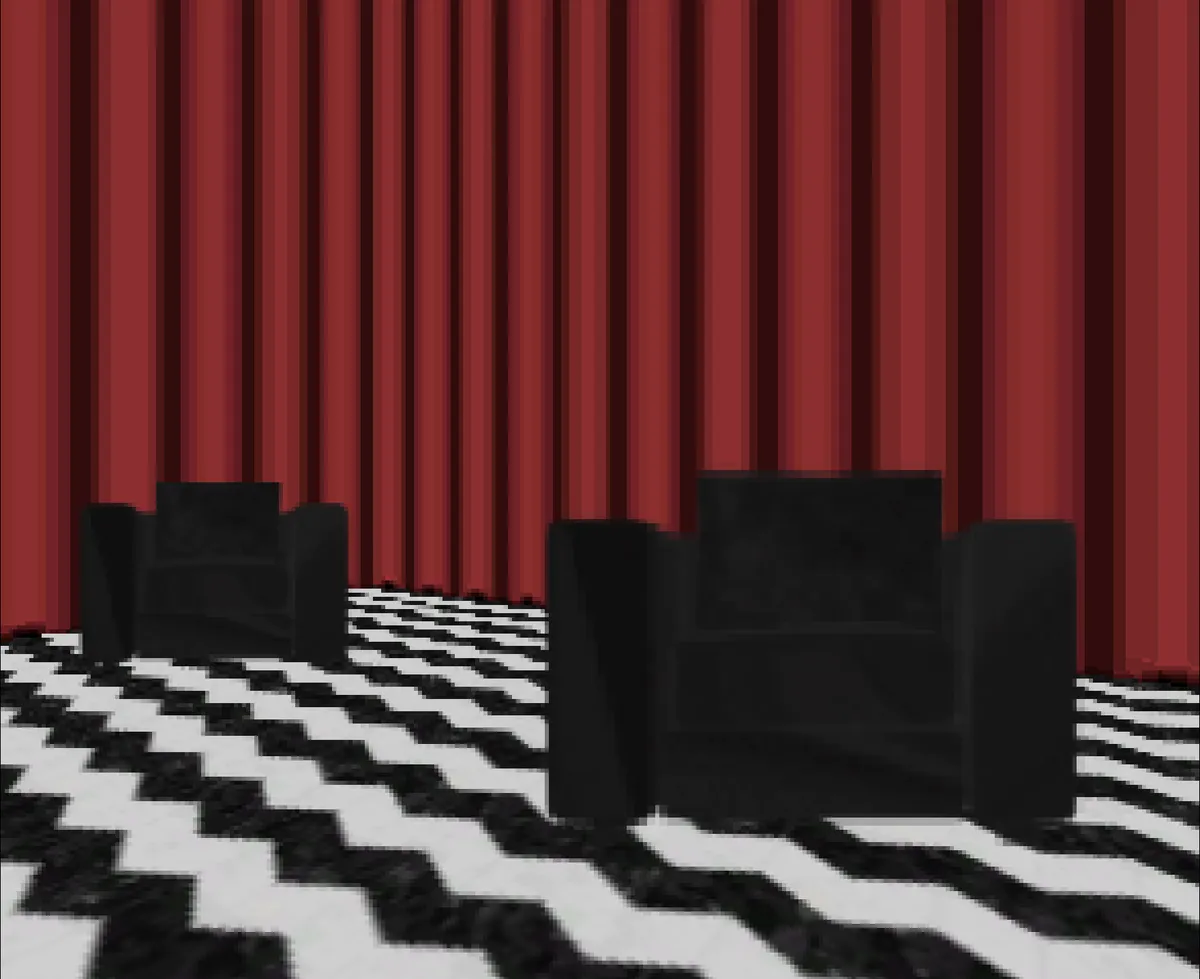
I've got good news. That gum you like is going to come back in style.
For the past month, I've been working on and off on recreating PSX DOOM visuals into Godot. From making the game run at the exact render resolution PSX DOOM runs at, to using the exact texture sizes and color palettes and even capping the frame rate at 30fps.
Why the PSX version of DOOM and not the original PC version?
I prefer the PS1 version of DOOM over the PC version. I am a huge fan of PSX DOOM's atmosphere and sound design, it's basically a prototype DOOM 64 and that's (in my opinion) the best DOOM game in the entire series.
Converting textures into the PSX DOOM color palette
Thanks to DOOM modding tools, this is really easy. I simply scaled down whatever texture I needed to a resolution of 128x128, then I imported it into slade, and used it's built in color palette conversion tool that includes the DOOM PSX color palette.
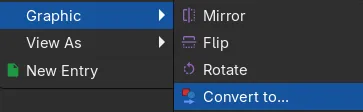
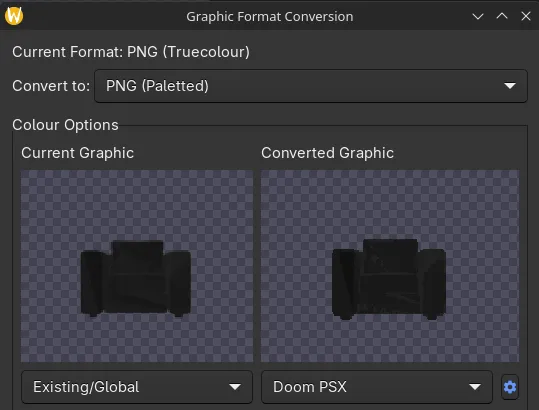
Exporting DOOM maps into Godot
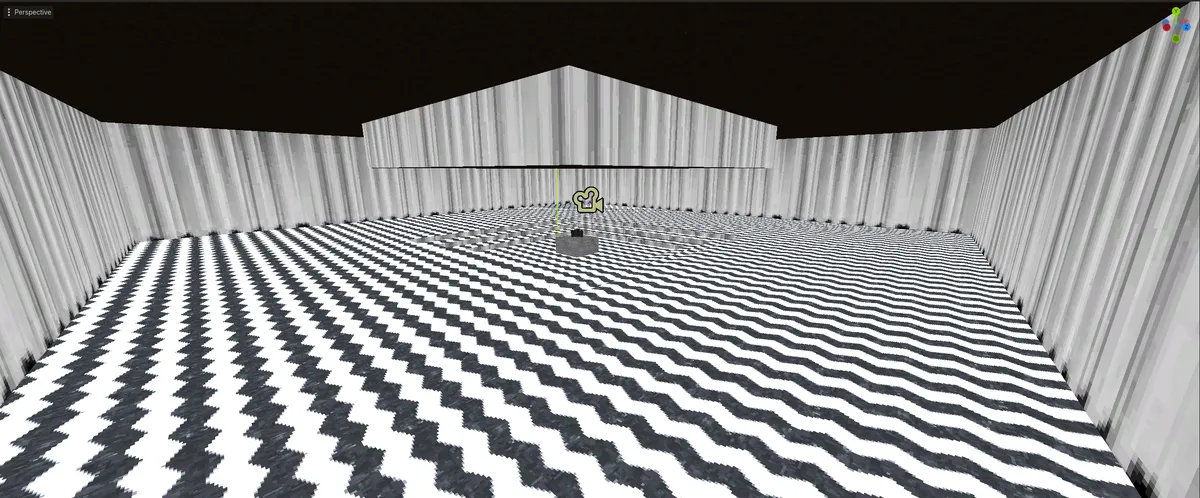
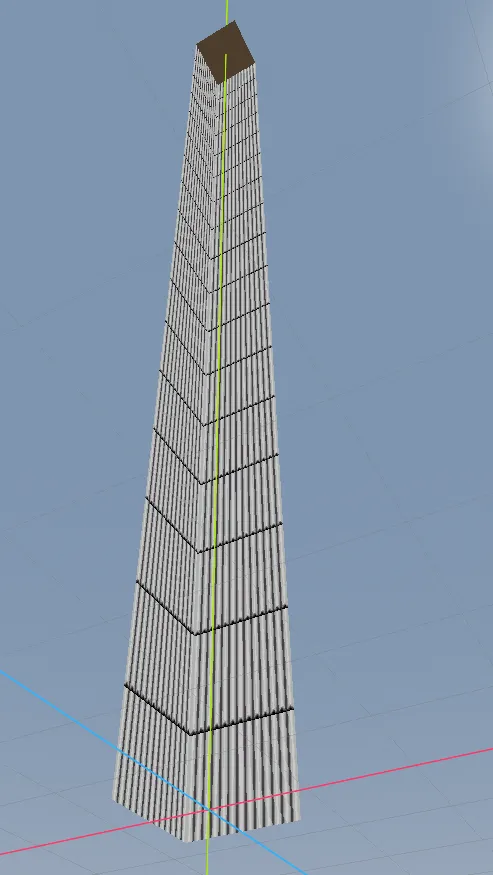
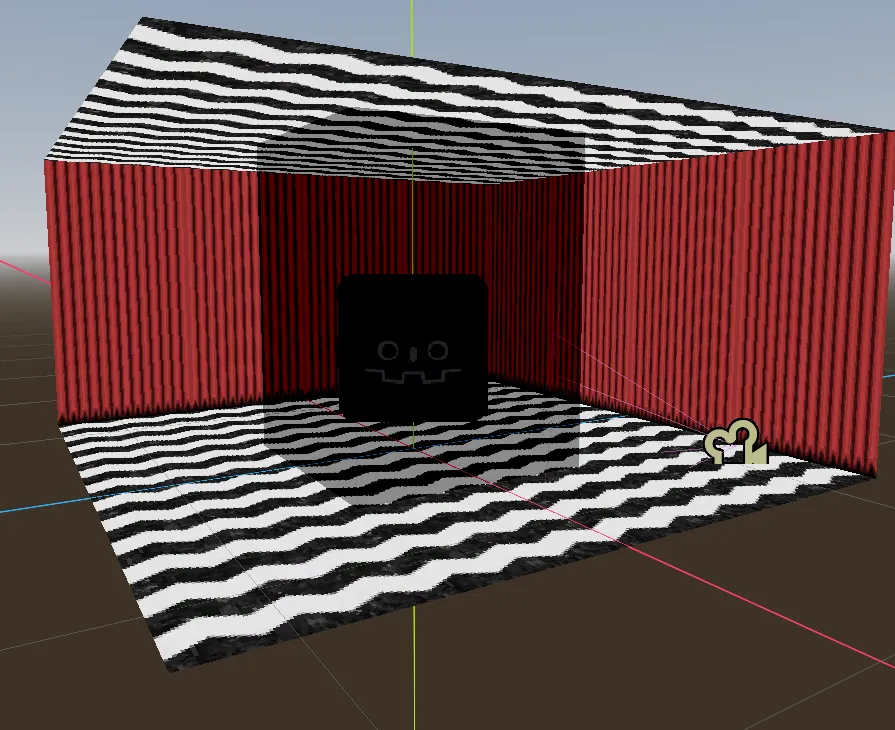
Exporting DOOM maps into Godot is actually incredibly simple with DOOM's modding tools. Ultimate Doom Builder (A DOOM map making tool) has a built in option to export DOOM maps as a model and you can even change the scale of the model.

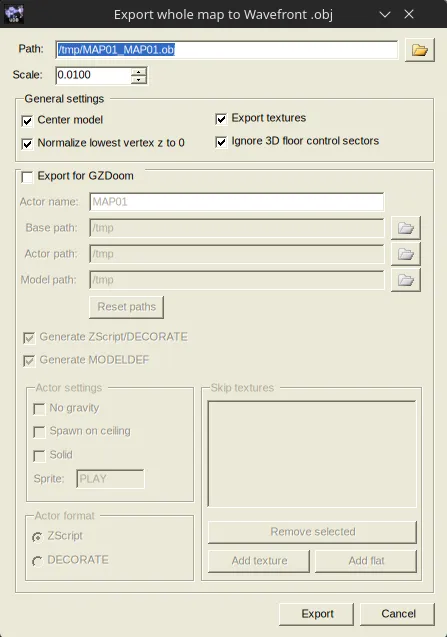
Here are some of the results from some test exports below.
Export #1
Export #2
Export #3
What hasn't been implemented?
- 8-way directional sprites
- HUD/UI
- Being able to change screen size
- An actual implementation of sector lighting
Why?
Honestly, it's because I am really bored and want to try out Godot's 3D.
How's Godot's 3D?
It's a lot easier than I was expecting actually. It's pretty much just 2D except you use Vector3s instead of Vector2s. I was expecting a lot of bullshit math that would make my head explode if I even tried to comprehend what was going on. I don't know why I was told it was such a huge jump.
Will this turn into a future game?
Probably... maybe... I don't know...